Add Password
9/14/25Less than 1 minute
Add Password
Introduced in version v7.1.3 Official Feature
If your current version doesn't support this feature, you can download the update via the Download Now page
- Trial License: ✅ Supported
- Full License: ✅ Supported
Add Password
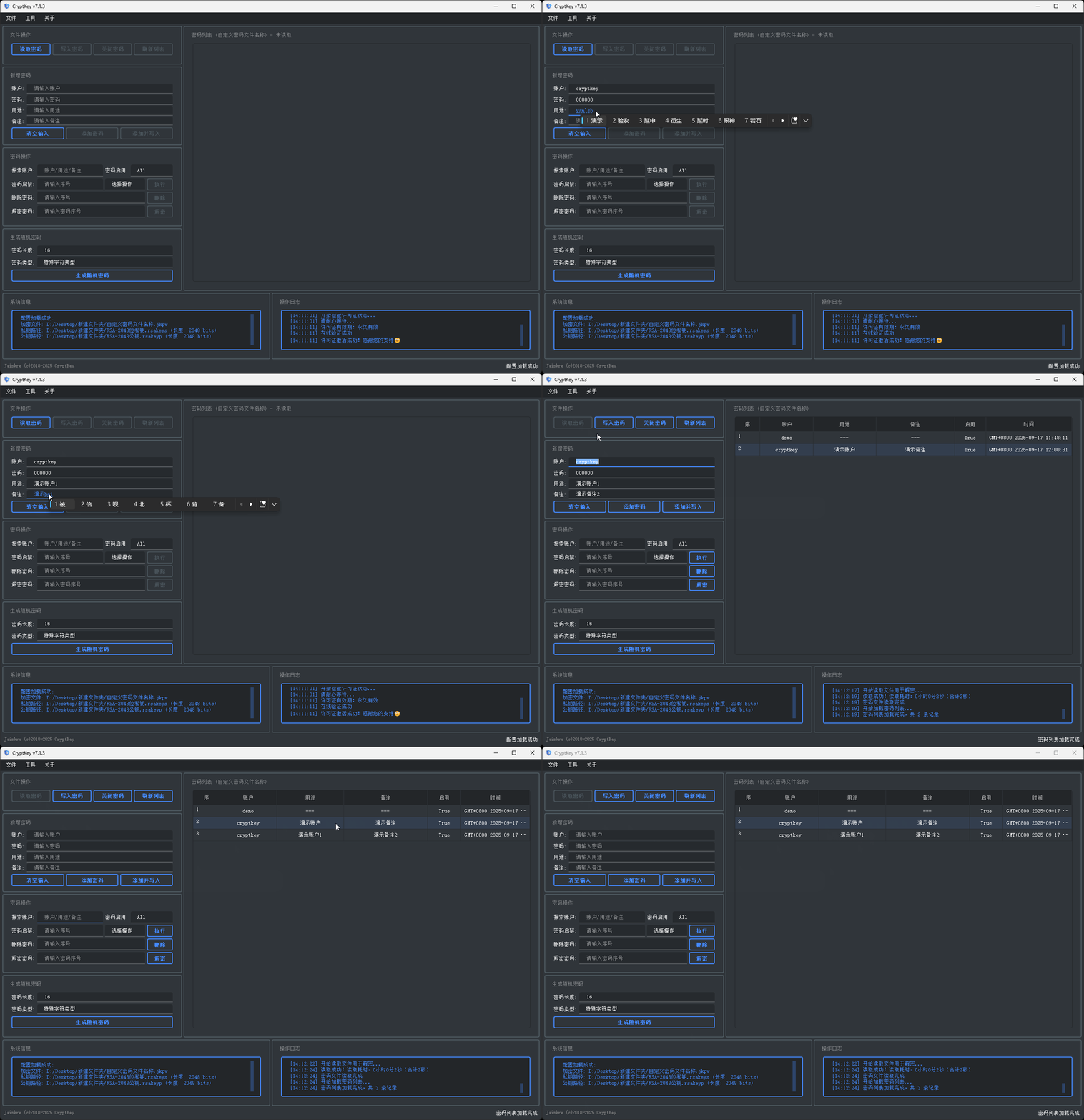
First, Read Password, then create a new password in Add Password:
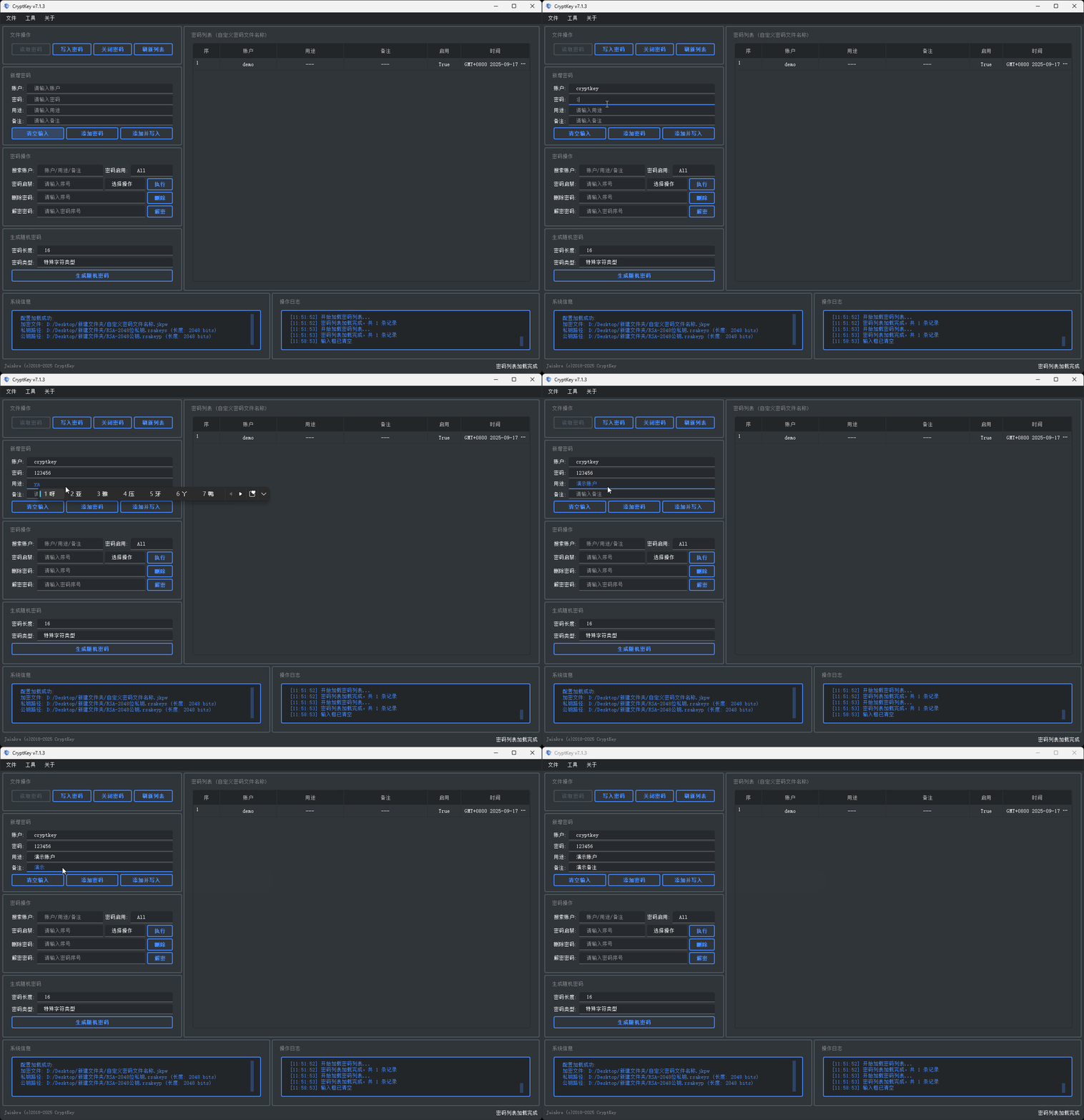
Add Password
After creating the password, click Add Password to write it to the password file:
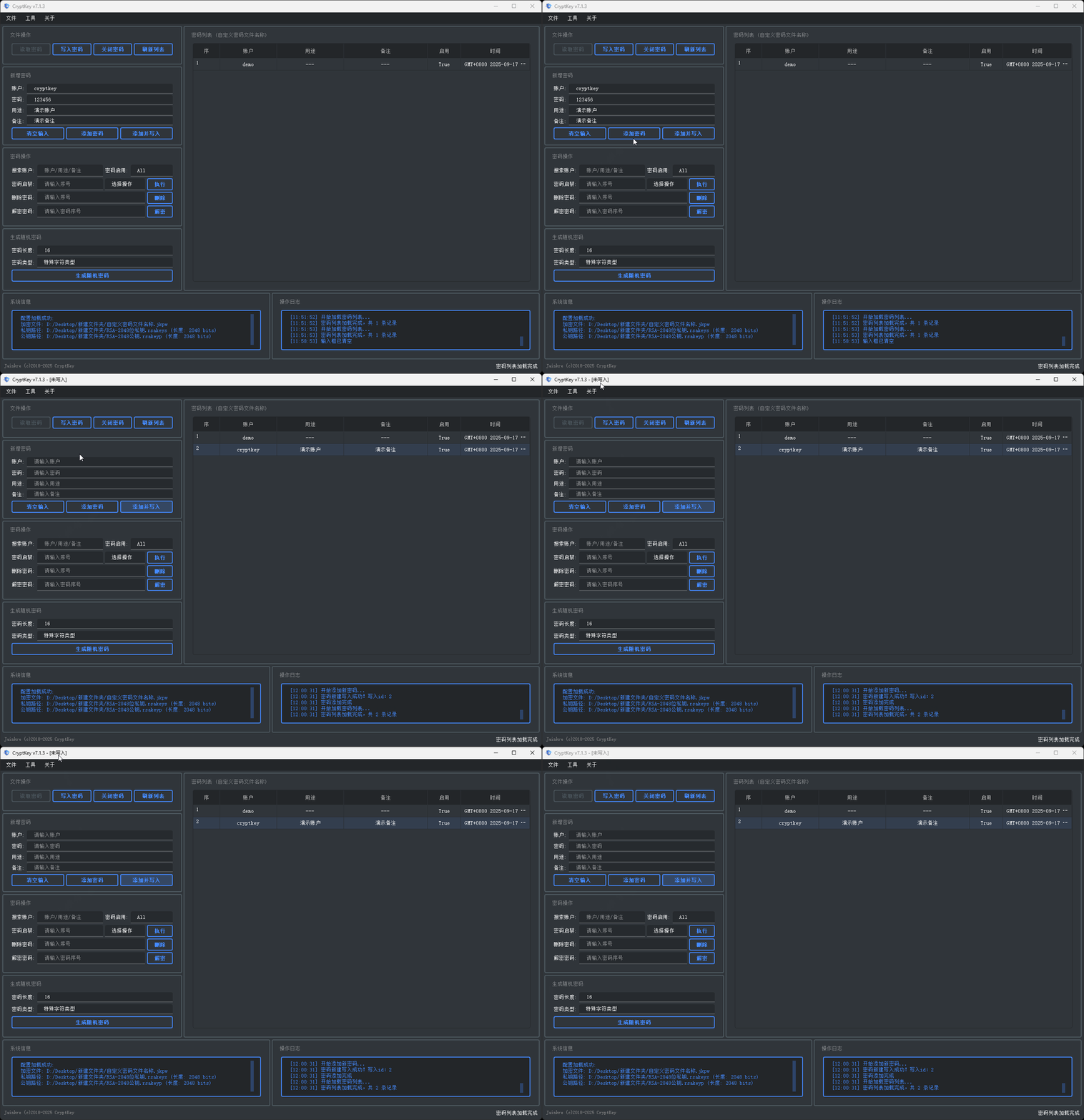
At this point, the password has not actually been written (in unsaved state), you still need to click the Write Password button:
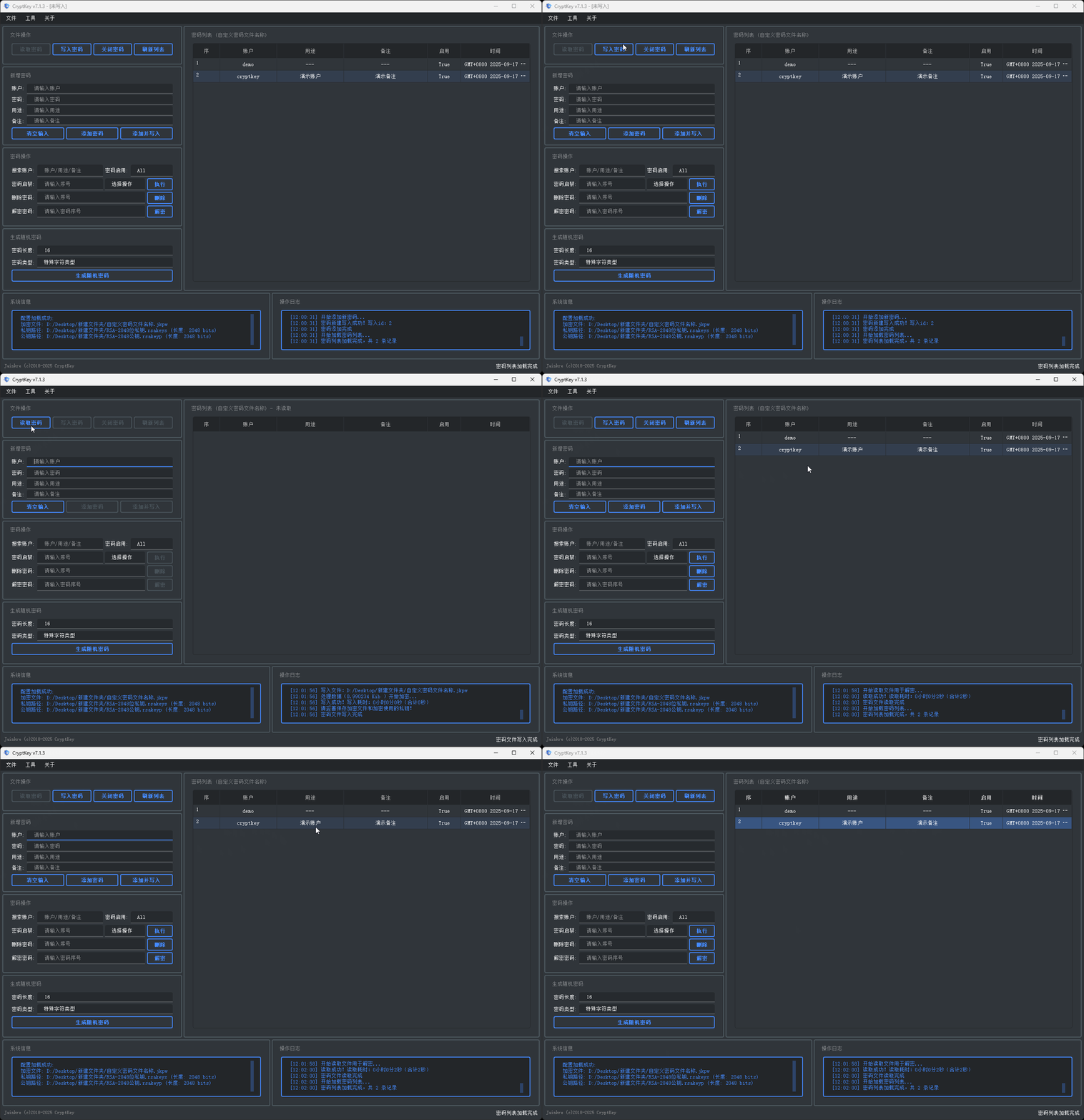
Add and Write
After completing Add Password, you can directly click the Add and Write button, which will automatically write to the password file and save, eliminating the need to click the Write Password button separately: